
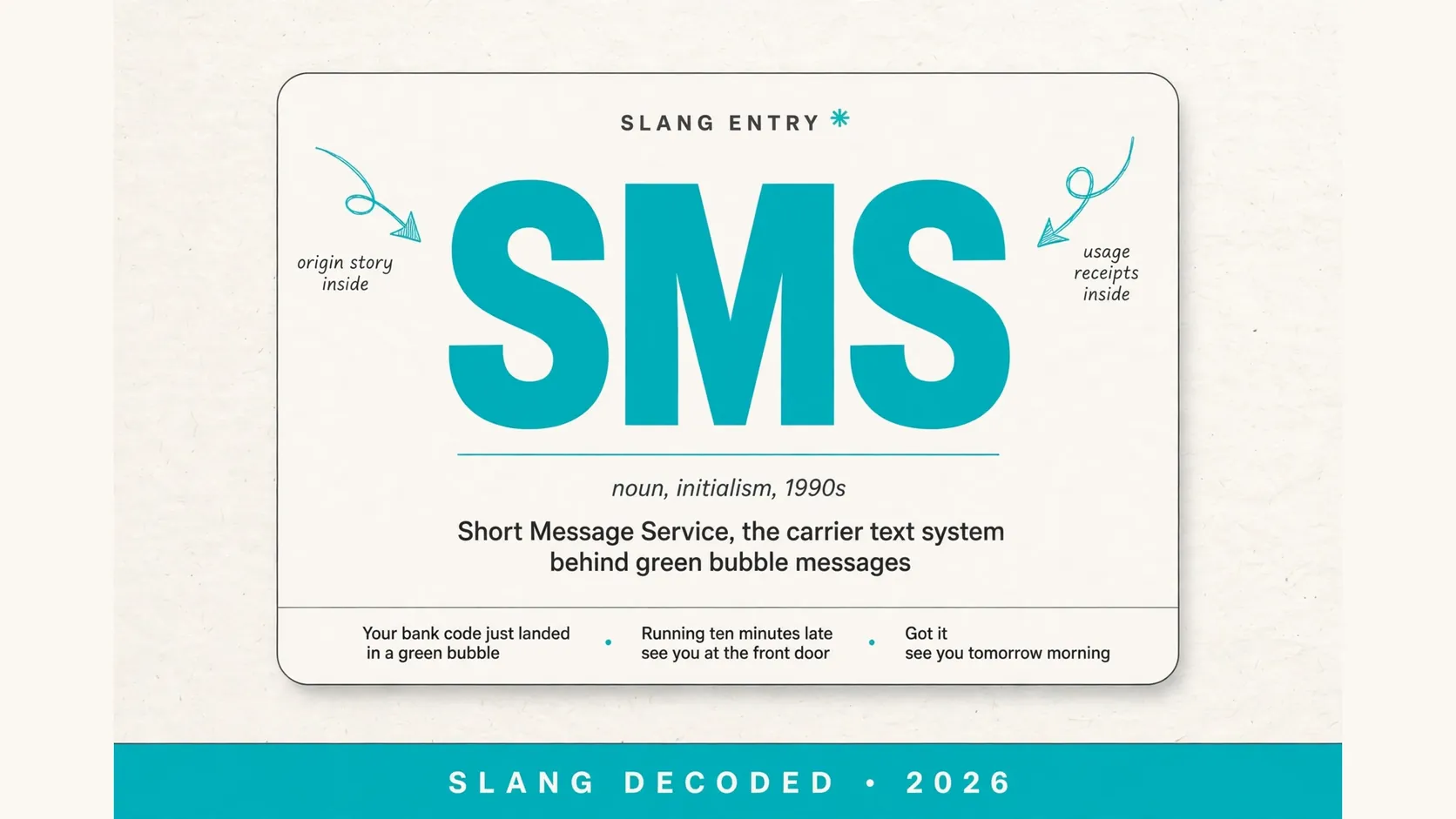
If you are asking what does sms mean on iphone, the short answer is Short Message Service, the carrier based text system that powers green bubble messages in the Messages app. It is the older text standard that works over your mobile network rather than over the internet.
You still meet it every day, even if you mostly send blue bubble chats. It shows up for verification codes, for friends on other phones, and for moments when data or iMessage is not available.
How Sms Shows up on Your Iphone Screen
| Signal | What You See | What It Means |
|---|---|---|
| Green bubble | Plain text inside a green bubble | The message was sent as SMS over your carrier network |
| Blue bubble | Plain text inside a blue bubble | The message was sent as iMessage over the internet |
| Green group chat | A group chat with green bubbles throughout | The group is using SMS or MMS, not iMessage |
| Missing delivered note | No delivered note under a green text | SMS delivery reports work differently from iMessage reports |
| Softer photo | A photo that arrives smaller or softer | MMS compresses media more than iMessage does |
| Short code text | A short code from a bank or an app | A service sent a one time code by SMS |
| No typing dots | No typing dots before a reply arrives | SMS does not show live typing the way iMessage does |
| Sent as text note | A small note that a message was sent as text | Your iPhone fell back to SMS when iMessage failed |
| Newer chat label | A newer chat label in some green chats | Carrier chat features may appear where RCS is supported |
What Does Sms Mean on Iphone When Your Message Stays Green
| Bubble Clue | System Behind It | Everyday Meaning |
|---|---|---|
| Stays green to an iPhone friend | SMS fallback | iMessage is off or the contact is unreachable on iMessage |
| Turns green after trying blue | Failed iMessage attempt | Your phone switched to SMS so the message would still go out |
| Green to an Android phone | SMS or RCS | Cross platform chats do not use iMessage at all |
| Green in a mixed group | SMS or MMS group | One member without iMessage moves the group off iMessage |
| Green for a business text | Business SMS service | Shops and services often send alerts by SMS |
| Green for a code | Verification SMS service | Codes are sent by SMS because almost every phone receives them |
| Green with no reactions | SMS limits | Tapback reactions and effects do not travel the same way on SMS |
| Green after a trip abroad | Carrier roaming limits | iMessage may struggle on a weak or restricted network |
| Green after a settings change | iMessage turned off | A settings change can leave SMS as the only text option |
Texts You Would Recognize as Sms in Real Life
Your bank code just landed in a green bubble and you copied it straight into the app
Seen in a bank login flow, showing why codes travel by SMS
Running ten minutes late, see you at the front door
Seen in a chat with a friend on another phone, a plain carrier text
Your order is out for delivery today
Seen as a shop delivery alert, showing business use of SMS
Can you pick up milk on your way home
Seen in a family group chat that turned green
Your appointment is tomorrow at nine, reply yes to confirm
Seen as a clinic reminder for simple confirmations
Hey, are we still on for Saturday
Seen in a chat that switched from blue to green
Your package could not be delivered, tap to reschedule
Seen as a courier alert, so check the sender first
Happy birthday, hope you have the best day
Seen in a birthday chat with a relative on an older phone
Got your message, will call you back after work
Seen as a short reply from a coworker
What Sms Can and Cannot Do on an Iphone
| Feature | SMS Reality |
|---|---|
| Plain text | Works well for short plain messages over your carrier signal |
| Photos and video | Works through MMS, but media is often compressed and softer |
| Group chats | Works, but reactions, naming, and leaving work differently from iMessage |
| Read receipts | Limited, since SMS does not promise the same read tracking as iMessage |
| Typing indicators | Not shown, so you will not see typing dots in a green chat |
| Message effects | Not carried over, so effects and stickers stay inside iMessage chats |
| End to end encryption | Not promised for SMS, unlike iMessage chats between Apple devices |
| Long messages | Often split or converted, since SMS was built for short texts |
| Codes and alerts | Works very well, which is why banks and services still use it |
A Short Timeline That Keeps Sms Honest
| Period | What Happened |
|---|---|
| 1992 | The first SMS was sent, years before the iPhone existed |
| Early 2000s | SMS became an everyday way to text on mobile phones |
| 2007 | The first iPhone launched with SMS built into its Messages app |
| 2011 | Apple launched iMessage alongside SMS, and blue bubbles arrived |
| 2010s | SMS stayed useful for codes, alerts, and cross platform chats |
| 2020s | Green chats remained the fallback when iMessage could not connect |
| 2024 | Apple added RCS support in iOS 18, bringing richer features to some carrier chats |
| Today | SMS remains the plain backup that keeps texting working across phones |
Who Still Depends on Sms When Imessage Exists
| Group | Why SMS Still Matters |
|---|---|
| Android friends | They cannot receive iMessage, so SMS or RCS keeps the chat going |
| Older relatives | Older phones and simpler plans often rely on plain SMS |
| Banks and apps | Codes sent by SMS reach almost every phone without an app install |
| Shops and clinics | Reminders and alerts by SMS are easy to read and easy to act on |
| Travelers | SMS can work on a carrier signal when data is weak or costly |
| Work contacts | Quick plain updates travel well by SMS across different phones |
| People with data off | SMS does not need mobile data, so it works when data is off |
| Emergency alerts | Public alerts often use carrier messaging to reach many phones fast |
| New contacts | A first text to an unknown number usually starts as plain SMS |
Tone and Safety Check for an Sms on Iphone
| Situation | Tone | Safe or Risky |
|---|---|---|
| Text from a known friend | Casual and plain | Safe when the number and context match |
| Code you just requested | Neutral and urgent | Safe when you requested it moments before |
| Delivery update you expected | Helpful and short | Safe when it matches a real order |
| Prize or payment warning | Urgent and pushy | Risky when it pressures you to tap fast |
| Link from an unknown number | Vague and tempting | Risky, so do not tap it without checking the sender |
| Bank warning you did not expect | Alarming and formal | Risky when it asks for passwords or codes |
| Group chat with strangers | Mixed and noisy | Caution, since anyone in the group can see replies |
| Work text after hours | Short and direct | Safe when the sender and task are clear |
Receipts from Everyday Iphone Chats That Read Like Sms
On my way, traffic is slow but I will be there soon
Seen after a blue bubble failed, a plain fallback text
Your verification code is ready, do not share it with anyone
Seen as an app login alert for account security
Practice moved to five, see you at the field
Seen in a team group chat with mixed phones
Thanks for coming today, your receipt is on its way
Seen as a shop follow up
Are you free for a quick call tonight
Seen in a chat with a friend on another network
Your table is ready, please come to the front desk
Seen as a restaurant alert
Mom, I landed safely, will text when I get home
Seen in a family chat on a trip
Reminder, your bill is due this week
Seen as a service reminder
Got it, see you tomorrow morning
Seen as a short reply in a green chat
Why Your Iphone Switches Between Sms and Imessage
Your iPhone prefers iMessage when both sides can use it, for blue bubbles, typing dots, reactions, and sharper media. It checks the contact, connection, and settings, then picks the smoothest path.
When that link fails, your phone can fall back to SMS so your words still go out. That switch is not a sign your phone is broken. It is simply the older carrier system stepping in when the internet route is unavailable.
How to Tell Sms, Imessage, and Rcs Apart without Overthinking It
Look at the bubble color first, then the small clues around it. Blue usually means iMessage, green usually means SMS or MMS, and a newer carrier chat may add richer features where RCS is supported.
Guides for green bubble, iMessage, and RCS sit close together because they all explain the same Messages app puzzle. Once you know which system is behind a chat, you will know why reactions and media quality behave as they do.
What to Do When Sms Will Not Send on Your Iphone
Start with simple checks, since most SMS failures are about signal or settings. Check your carrier signal, check the number, and confirm SMS is on in Messages settings. A weak signal alone can stall a green text.
If simple checks do not fix it, restart your phone, toggle Messages settings off and back on, and check for a carrier update. If texts still will not send, contact your carrier, since the issue may sit on the network side.
Questions People Still Ask About Sms on Iphone
Does SMS on iPhone cost extra?
It usually counts under your carrier text plan, so check your plan rather than assuming it is free over Wi-Fi.
Is a green bubble always SMS?
Mostly yes on iPhone, though a green chat can also use MMS for media or RCS features where your carrier supports them.
Can you turn SMS off on iPhone?
You can turn SMS off in Messages settings, but you may then miss codes and texts from people who cannot reach you on iMessage.
Why do photos look worse in green chats?
MMS compresses photos and videos more than iMessage, so media can look softer in a green bubble chat.
Does SMS work without the internet?
Yes, SMS travels over your mobile carrier signal, so it can work in places where mobile data or Wi-Fi is weak or off.