
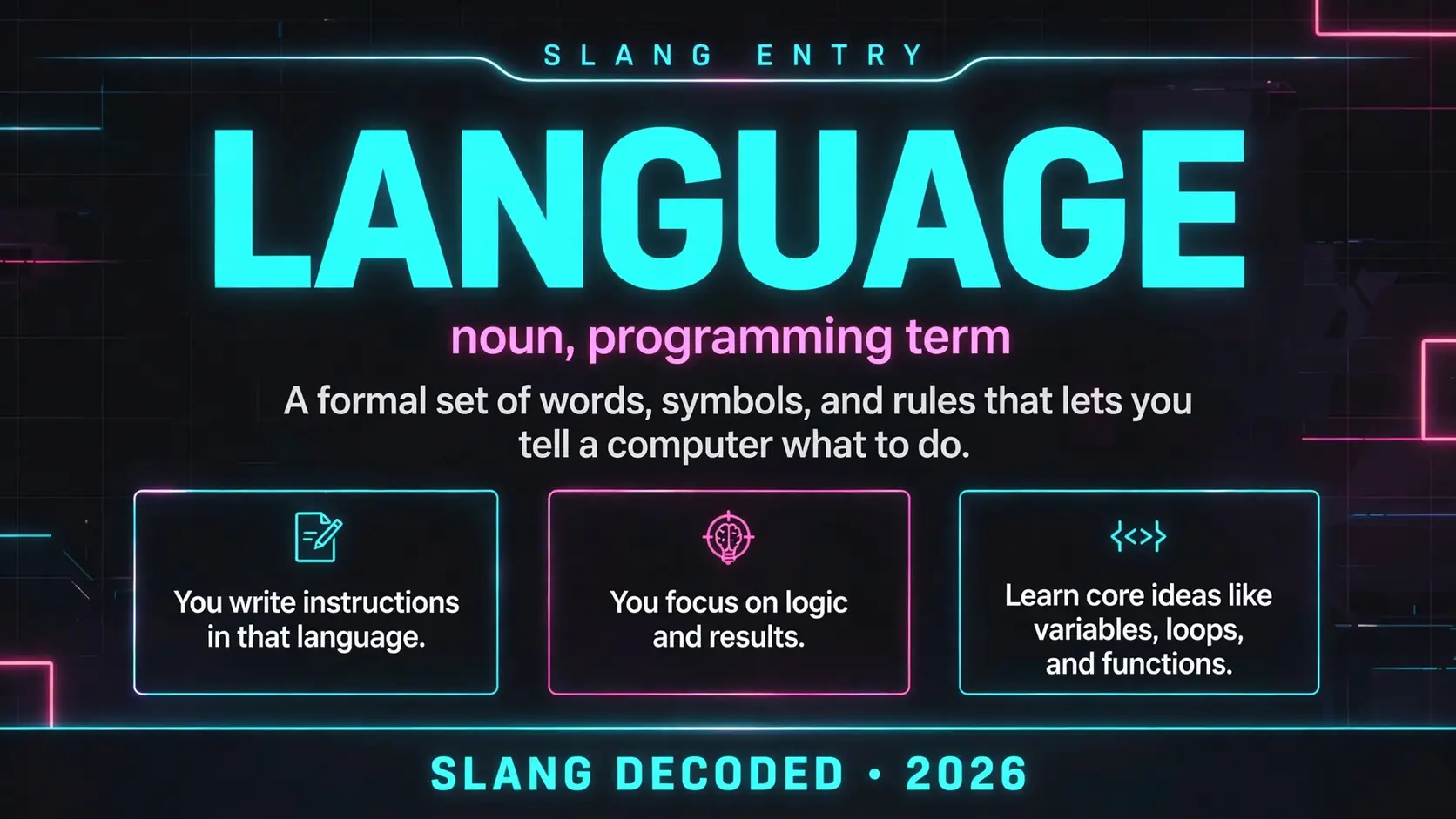
If you have ever asked what does language mean in coding, here is the core idea in plain English. In coding, a language is a formal set of words, symbols, and rules that lets you tell a computer what to do. You write instructions in that language, and a translator program turns those instructions into actions a machine can run.
That idea gives you real power. You focus on logic and results, while the language handles translation into machine actions. It is a shared agreement about what each word and symbol should mean.
Types of Coding Languages You Will Meet First
You will meet a few broad families first. Each family solves a different kind of problem, so start with the job, then match the language to it.
| Type | What it does | Common example |
|---|---|---|
| General purpose | Builds apps, tools, websites, and systems | Python |
| Front end web | Shapes what you see and tap in a browser | JavaScript |
| Back end web | Handles servers, logins, stored data, and rules | Java |
| Systems | Runs close to hardware with speed and control | C |
| Mobile | Powers apps on phones and tablets | Swift |
| Data and analysis | Cleans, counts, charts, and models information | R |
| Query | Asks a database for exact rows and answers | SQL |
| Markup | Structures content so browsers can display it | HTML |
| Styling | Controls layout, color, spacing, and fonts | CSS |
Core Parts That Make Any Coding Language Work
Every coding language shares the same basic building blocks. Learn them once, and you can spot them again in almost every new language you try.
| Part | Job in code | Why it matters to you |
|---|---|---|
| Syntax | Sets the exact spelling and punctuation rules | One wrong symbol can stop a program |
| Semantics | Defines what each instruction actually means | Clear meaning prevents strange results |
| Variables | Store values you want to reuse later | They let code remember names and numbers |
| Data types | Label values as text, numbers, or true or false | Types stop mixed up math and text |
| Control flow | Chooses what runs next with ifs and loops | It turns steps into smart decisions |
| Functions | Bundle reusable steps under one name | You write a step once and call it often |
| Libraries | Offer ready made code from other coders | They save you from rebuilding common tools |
| Compiler or interpreter | Translates your code for the machine | Without it, the computer cannot act |
| Errors and debugging | Flag mistakes and help you trace them | Fixing errors is normal daily coding work |
Words Coders Use When They Talk About Language
Learn these nine terms first, and forum posts, tutorials, and job listings will start to feel much less cryptic.
- Syntax is the spelling and punctuation system that a language demands from you
- Semantics is the meaning behind each command once the spelling is correct
- A compiler translates a whole program before it runs on a machine
- An interpreter translates and runs code line by line as it goes
- A framework is a ready made structure that speeds up building apps
- A library is a collection of reusable code you can borrow for tasks
- A runtime is the environment where your finished code actually executes
- An API is a set of rules for asking another program for data
- Source code is the human readable text you write before translation
Compiled and Interpreted Languages Side by Side
The biggest split is compiled versus interpreted, and it shapes speed, testing, and sharing. Neither side is better for every job.
| Feature | Compiled languages | Interpreted languages |
|---|---|---|
| Translation timing | Whole program translated before running | Code translated line by line while running |
| Startup feel | Often fast once built and ready | Often quick to start and test |
| Error timing | Many errors caught before anyone runs it | Many errors show up during a run |
| Sharing a program | You share a built file for a system | You often share readable source files |
| Speed in use | Usually strong for heavy or long tasks | Usually fine for web and light tasks |
| Learning curve | Can feel strict with types and setup | Can feel friendly for first projects |
| Popular examples | C, C++, Go, and Rust | Python, JavaScript, Ruby, and PHP |
| Best fit | Games, systems, and performance apps | Websites, scripts, tools, and prototypes |
Popular Languages and the Jobs They Do Best
You do not need to learn every language here. Pick one that matches a goal you care about, build a few small things, and let the next language feel easier.
| Language | Best known for | Good first project |
|---|---|---|
| Python | Clear reading, data, automation, and web work | A quiz game or a budget tracker |
| JavaScript | Interactive web pages and web apps | A to do list with buttons |
| Java | Large apps, Android work, and business systems | A simple banking balance app |
| C | Speed, hardware, and operating systems | A number guessing game in a terminal |
| C++ | Games, graphics, and high speed tools | A tiny text based adventure game |
| Go | Fast servers and clean cloud tools | A small web server that serves a page |
| Rust | Safety, speed, and reliable systems code | A command line file organizer |
| Swift | iPhone, iPad, and Mac apps | A one screen habit tracker app |
| SQL | Finding and shaping stored database data | Queries that rank your favorite songs |
| Ruby | Friendly web apps and quick prototypes | A small blog with posts and comments |
Clues You Are Looking at Code and Not Everyday Speech
Human language is loose and full of hints from tone and context. Code language is the opposite, and it will not guess what you meant.
- Brackets, braces, and parentheses group steps and mark where blocks start and end
- Semicolons or line breaks often mark the end of one clear instruction
- Equal signs usually assign a value rather than claim two things are equal
- Indentation can show which steps belong inside a loop or a decision
- Keywords are reserved words with fixed jobs you cannot reuse as names
- Comments are notes for humans that the computer politely ignores
- Strings sit inside quotes so the machine knows they are text
- Numbers without quotes are treated as values you can calculate with
- Error messages point to a line and a rule, not to a feeling
From Machine Code to Human Friendly Code
Languages sit on a ladder from machine friendly to human friendly. Low level code gives you control, while high level code gives you faster building.
| Level | What it looks like | Feel for you |
|---|---|---|
| Machine code | Strings of ones and zeros | Almost unreadable for most humans |
| Assembly | Short codes for machine steps | Precise but long and fiddly |
| Low level systems | C with manual memory control | Powerful yet easy to break |
| Mid level | C++ and Rust with more safety | Strong control with extra rules |
| High level | Python and JavaScript in plain words | Faster to read, write, and test |
| Scripting | Short programs that automate tasks | Great for quick jobs and tools |
| Query | SQL questions aimed at databases | Close to plain question wording |
| Markup | HTML tags that structure a page | Visual and easy to scan |
| Visual and blocks | Drag and drop blocks for beginners | Friendly on ramp into real logic |
Mix Ups Beginners Make About the Word Language
Coding languages borrow words from English, but they are not human conversation. Keep these mix ups in mind and you will waste less time.
| Mix up | What is actually true | Better way to think |
|---|---|---|
| It is just English | Keywords borrow English but rules are strict | Treat it as a formal rule system |
| One language does all | Different languages fit different jobs | Match the tool to the task |
| Markup equals programming | HTML structures content without logic steps | Call it a markup language, not code logic |
| Learning syntax equals coding | Syntax is only the surface of problem solving | Focus on steps, logic, and testing |
| Fast typing means skill | Clear thinking beats fast fingers | Plan first, then type with care |
| Errors mean you failed | Errors are routine signals for a fix | Read the message and test a change |
| You must memorize all | Coders search docs and reuse patterns daily | Learn ideas, look up exact details |
| Newest means best | Older languages still run huge systems | Judge by job fit and community support |
What Does Language Mean in Coding When You Start Your First Project
When you start your first project, language means the tool you choose to turn an idea into a working program. You learn its basic words and rules, then break a big goal into small steps a computer can follow. You need enough words for input, a decision, a repeat step, and an output.
Your first program will probably be tiny, and that is a strength. You change one word, run the code, and watch the result change. That loop builds real understanding.
How to Choose Your First Language without Overthinking It
Start from the thing you want to make, not from a ranking list. For reactive web pages, try JavaScript. For data or a gentle first step, try Python. For iPhone apps, try Swift.
Give yourself a short trial and a small project with a clear finish line. Build it, fix the errors you meet, and if you finish something you can show a friend, you picked well enough.
Why One Language Can Feel Easy and Another Can Feel Strict
Ease is rarely about smart versus slow learners. It is about how much hidden work a language does for you. A friendly language hides memory chores, while a strict language asks you to declare types and follow more rules up front.
Strict rules can catch mistakes early and protect large programs from quiet bugs. Friendly rules help you test ideas fast and stay motivated. Let your goal shape which trade feels right now.
How Languages Change as Computers and Jobs Change
Languages do not stay frozen. New tools and new jobs push makers to add features and borrow good ideas from rivals. That is why an older language can still run banks, while a newer one can feel made for cloud apps. Online talk keeps inventing new labels, and you will see the same curiosity behind language, relationship slang, and gen z dating terms when people try to decode how groups talk online.
You do not need to chase every new release. Learn core ideas like variables, loops, and functions, and those ideas will travel with you. A new language then means new spelling for ideas you already know.
Frequently Asked Questions About Language in Coding
What does language mean in coding in simple words?
It means a formal rule system you use to write instructions a computer can translate and run.
Is HTML a programming language?
No, HTML is a markup language that structures content, while programming languages add logic, decisions, and actions.
What is the difference between a coding language and a human language?
A coding language demands exact spelling and meaning, while a human language tolerates slang, hints, and loose grammar.
Do you need to learn many languages to get a coding job?
No, most jobs need strong skill in one or two languages plus solid problem solving and teamwork.
Which language should a total beginner try first?
Python or JavaScript are common first picks because their reading feels clear and their communities offer many beginner guides.