
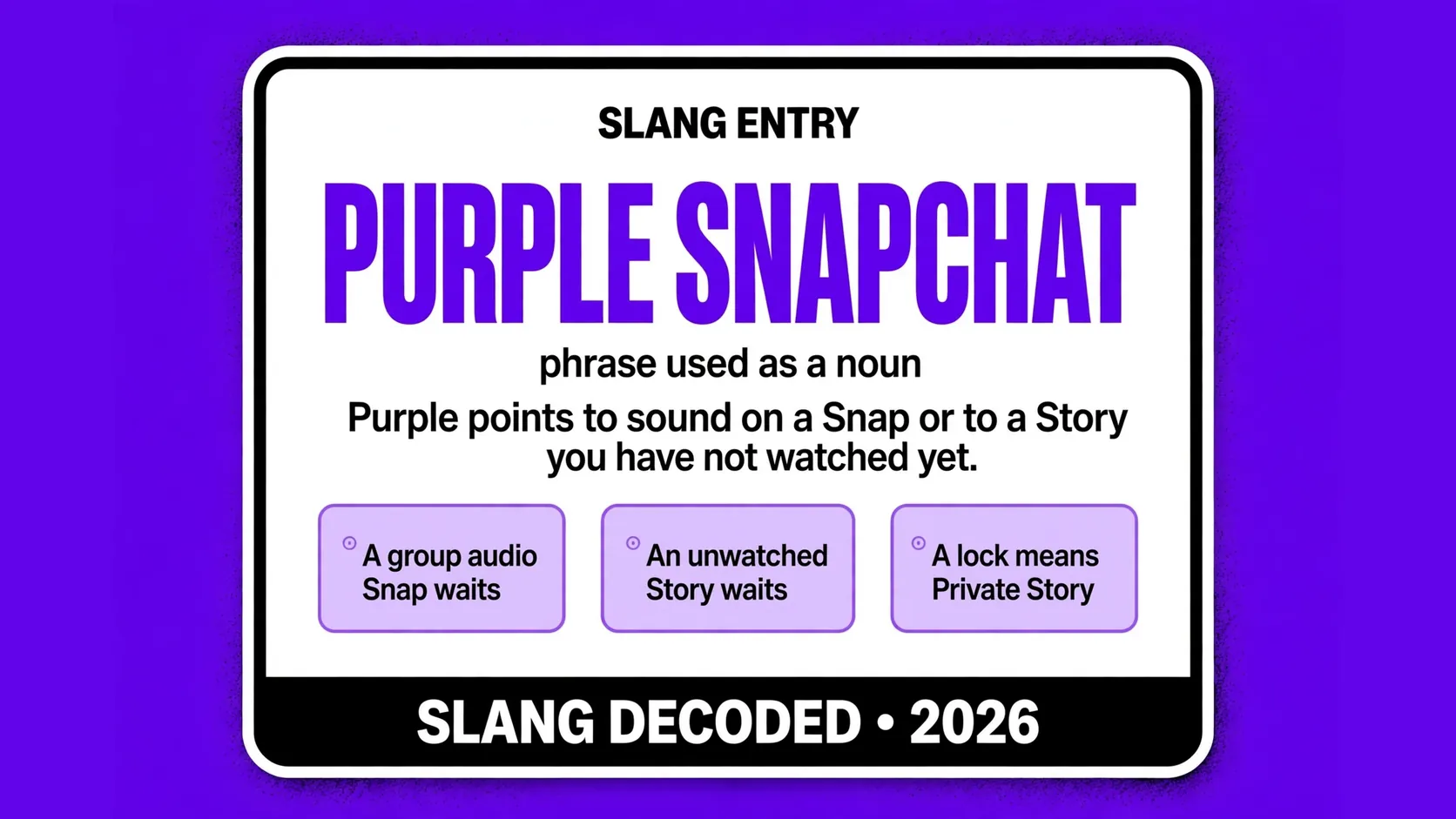
When you ask what does purple snapchat mean, the short answer is that purple points to sound on a Snap or to a Story you have not watched yet. That one color does two jobs in the app, so the place where you see it tells you which job it is doing.
In a chat list, purple usually tells you a Snap has audio. Around a face or a name in Stories, purple usually tells you fresh Story content is waiting. This guide breaks down both uses, plus the private Story lock, so you can read the signal fast.
What Does Purple Snapchat Mean When You See It in Chat
Your chat list is where purple does its most useful work. You can glance at the shape and the fill and know if you sent something, if you got something, and if it has been opened yet.
| Place you see purple | What purple tells you right away |
|---|---|
| Chat list next to a friend | An audio Snap is in that chat |
| Sent arrow in your chat list | You sent a Snap with sound |
| Received square in your chat list | Someone sent you an audio Snap |
| Group chat row in your list | A group audio Snap waits |
| Story viewer list after posting | A viewer replayed your audio Story |
| Chat reply thread after a Snap | The Snap you answered had audio |
| Friend profile activity area | A recent exchange involved audio |
| Saved chat with a Snap icon | The saved item was audio |
| Notification preview on your phone | A new audio Snap waits |
How Purple Tells You to Turn the Sound On
Purple is the app telling you to listen to this one. A red Snap works with your eyes alone, while a purple Snap loses part of its point if your phone is muted. That is why purple shows up on concert clips, voice notes, and videos where the words matter as much as the picture.
| Purple shape you see | What you should do with it |
|---|---|
| Solid purple arrow pointing right | Wait for your friend to open |
| Hollow purple arrow pointing right | Your friend has opened it |
| Solid purple square | Tap to open a new Snap |
| Hollow purple square | You have already viewed it |
| Purple double arrow shape | Check for a screenshot |
| Purple circular arrow shape | Someone replayed your audio Snap |
| Purple play icon on a Story | Tap with sound on |
| Purple icon beside a saved Snap | Expect sound on replay |
| Purple icon in a group thread | Turn sound on first |
Purple Rings That Flag a Story You Have Not Opened
The ring is the second big purple job, and it lives around a Bitmoji or a profile photo. When you see that ring, your friend has posted a Story you have not finished yet. It is not a private message, and it does not mean that person is online right now.
| Ring sight you notice | What it means for you |
|---|---|
| Full purple ring around a Bitmoji | An unwatched Story waits |
| Purple ring in your Stories feed | A new Story is ready |
| Purple ring in Quick Add suggestions | A suggested person posted |
| Purple ring in Add Friends results | A public profile posted |
| Purple ring that turns gray | You are caught up |
| Purple ring that comes back later | Your friend added more Snaps |
| Purple ring around a group Story | New group Story content waits |
| Purple ring that stays after viewing | Unseen Snaps remain |
| Purple ring that vanishes alone | The Story expired or vanished |
Purple Locks and the Smaller Circle of Friends
A purple lock adds a privacy twist to the same ring idea. When you see a lock inside or beside a purple ring, you are looking at a Private Story. The poster picked a smaller group of friends to see it, and you made the cut. You get no special alert for it, but the lock is your quiet sign that this Story is not for everyone.
- A purple lock means you are in the chosen Private Story audience
- A gray lock after viewing means you have seen that Private Story
- A Private Story looks normal except for the small lock mark
- Only friends picked by the poster can view that Private Story
- A friend can add new Snaps to a Private Story over time
- You watch a Private Story the same way as a normal Story
- A Private Story still expires after a day unless it is saved
- A poster can change the audience for a future Private Story
- Seeing a lock is a sign of trust, not a problem
Filled Shapes, Hollow Shapes, and What Changed
Once you learn the fill rule, the whole purple system gets much easier to read. A filled shape means something is still waiting, while a hollow shape means it has already been opened or viewed. This rule works the same way across red, purple, and blue, so you only need to learn it once.
| Shape and fill you see | Status change it shows you |
|---|---|
| Filled purple arrow | Your audio Snap is unopened |
| Hollow purple arrow | Your audio Snap was opened |
| Filled purple square | An audio Snap waits unopened |
| Hollow purple square | You viewed that audio Snap |
| Filled purple circle on a Story | A Story waits unwatched |
| Hollow gray circle on a Story | That Story was watched |
| Purple lock that is still purple | A Private Story waits unwatched |
| Gray lock after a Private Story view | You watched that Private Story |
| Purple replay arrow after a view | Your friend replayed it |
Purple Next to Red, Blue, and Gray in Your Feed
Purple makes the most sense when you compare it with the other colors beside it. Red, blue, and gray each answer a different question, and purple answers the sound question. If you mix them up, you might open a loud video in a quiet room or miss a voice message that needed a reply.
- Red means a Snap without audio, so you can view it silently
- Purple means a Snap with audio, so check your volume first
- Blue means a plain chat message, not a photo Snap
- Gray often means a request is pending or viewed
- A filled shape means the item is still waiting to open
- A hollow shape means the item has already been opened
- A double arrow shape can point to a screenshot
- A circular arrow shape can point to a replay
- Color tells you the type and shape tells the status
Times Purple Shows up and Times It Stays Away
Purple does not appear for every message, and that is part of why it is useful. It shows up when sound is part of the Snap or when a Story is fresh, and it stays away when you are dealing with plain text or a silent photo. Knowing when it should stay away also helps you spot a glitch or an expired Story.
| Situation you are in | Why purple appears or stays away |
|---|---|
| Friend sends a video with talking | Purple appears because it has audio |
| Friend sends a photo with voice | Purple appears because sound exists |
| Friend sends a silent photo Snap | Purple stays away, red appears |
| Friend sends a plain text chat | Purple stays away, blue appears |
| Friend posts a new Story | A purple ring appears |
| Friend Story expires after a day | The purple ring vanishes |
| Friend deletes a Story early | The purple ring vanishes fast |
| App glitch delays a status update | A purple ring may linger |
| App version is old or out of sync | Icons may look wrong |
Quick Checks You Can Run Before You Tap or Reply
You do not need to memorize every icon to use purple well. A few fast checks will cover most days, whether you are catching up with one close friend or scanning a long list after a busy weekend. Start with place, then shape, then sound, and you will usually land on the right reading.
| Fast check you can run | What that check tells you |
|---|---|
| Check where the purple sits | Chat purple means audio, ring means Story |
| Check if the shape is filled | Filled means unopened |
| Check for a small lock mark | A lock means Private Story |
| Check your volume before opening | Purple Snaps may include voice |
| Check if the ring turned gray | Gray means you watched |
| Check for a new ring after viewing | A new ring means more Snaps |
| Check your connection if icons linger | A slow sync can leave it |
| Check for an app update if icons look off | An old version shows colors wrong |
| Check the sender before replying fast | A group Snap needs group reply |
Why the Purple Sound Rule Trips up so Many People
You might wonder why a simple color causes so much confusion. The main reason is that purple does two jobs, and many guides only talk about one. One guide will say purple means audio, another will focus only on the Story ring, and you are left fitting both facts into one rule. Split the jobs by place and the confusion fades fast.
The second reason is that older guides sometimes flip the sound rule. You may read that purple means a silent video, but that clashes with the wider system where red covers silent Snaps and purple covers audio Snaps. If a guide and your app disagree, trust what your app shows for a Snap you know has sound.
Who Leans on Purple Most and How It Feels to See It
Purple is a neutral signal, not a compliment and not a warning. It does not tell you if a Snap is funny, serious, flirty, or angry, and it does not rank your friendship. It only tells you to listen or to watch. That neutrality is useful with a best friend, a classmate, a creator, or a group chat.
You may also run into what does violet snap mean, what does sunglasses mean on snap, and what does snap mean in football, and each one points to a different corner of Snap talk, so do not mix their clues with the purple clue. A purple icon in your own chat list is about your own Snaps and Stories, while those other phrases live in their own contexts and need their own checks.
How to Reply When a Purple Snap Lands in Your Chats
Your reply can be simple once you know what you opened. If you opened a voice Snap, answer the words you heard, not just the picture. If you opened a Story ring, react to the Story or send a normal chat for a private reply. You do not need to mention the color.
If the audio was unclear, say so and ask for a quick repeat. If you opened it somewhere quiet and missed the sound, replay it once if the app allows it, or ask your friend to resend the key part as text. A short reply beats a long guess.
Frequently Asked Questions About Purple on Snapchat
What does purple snapchat mean in a direct chat?
It means a Snap with audio, so you should expect voice, music, or sound when you open it.
What does a purple ring around a Bitmoji mean?
It means that friend has posted a Story you have not watched yet, and the ring fades after you view it.
What does a purple lock on a Story mean?
It means you are viewing a Private Story shared only with a smaller group of friends picked by the poster.
Does purple mean someone is online right now?
No, purple only flags audio or an unwatched Story, and it does not show if someone is active in the app.
Why does a purple ring stay after I watched a Story?
It can linger from a sync delay, a new Snap added to the Story, or an app glitch, and reopening the app often clears it.