
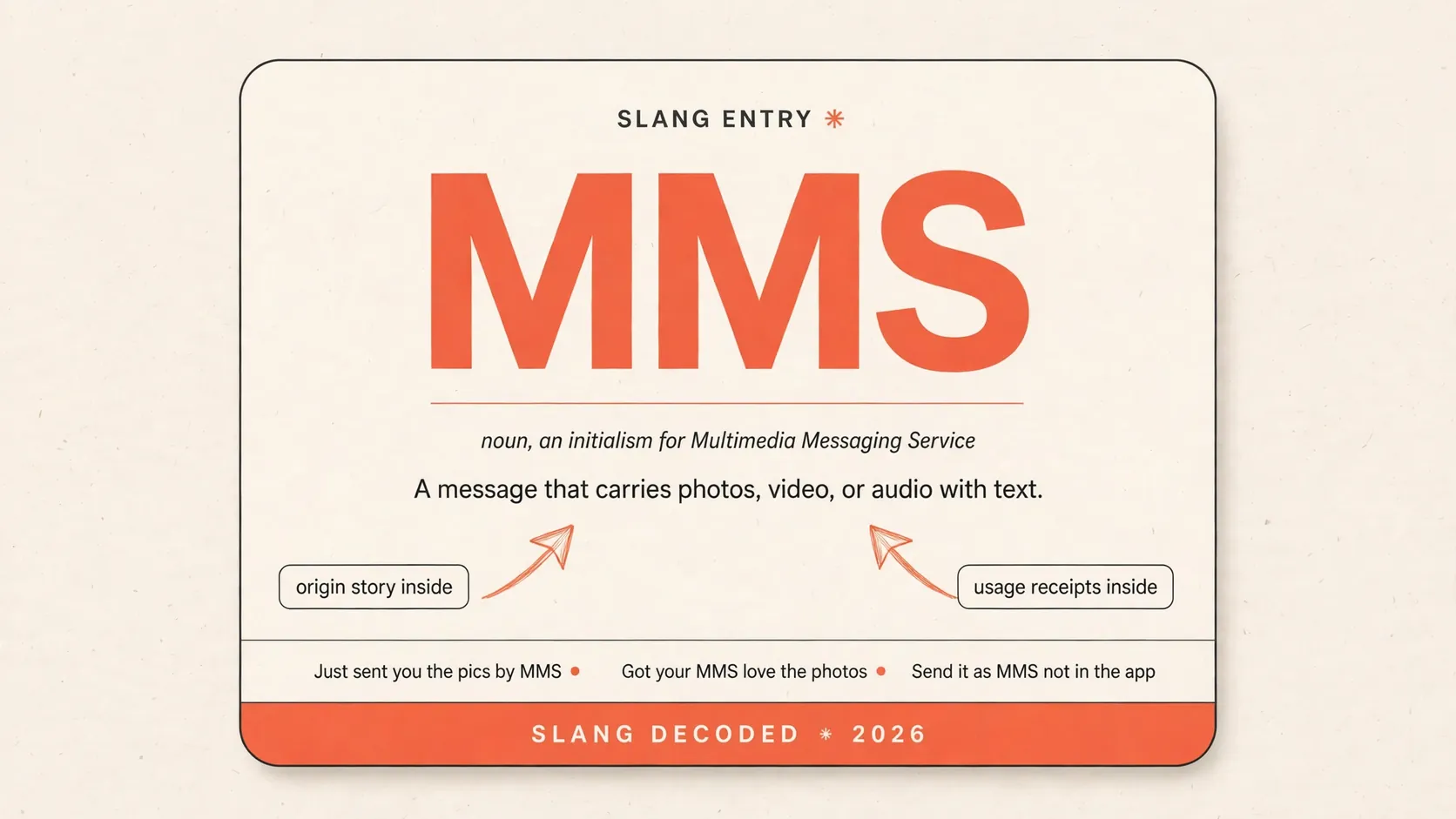
MMS means Multimedia Messaging Service, and in everyday messages it is the name for a text that carries a photo, a video, a sound clip, or a longer note along with your words. If you have ever sent a picture straight from your camera roll to a phone number, you have already used it.
You do not need tech skills to spot it. You will notice it when a plain text turns into a photo message, or when your phone asks for mobile data before a picture will send.
What Does Mms Mean in Messages When Your Phone Switches Modes
| Situation you see | What it usually means |
|---|---|
| A photo appears in a text thread | Your message went as MMS because it carried media |
| A long note sends as one message | MMS can carry more text than a short plain text |
| An emoji turns a text into media | Some older phones switch the message type when media is added |
| A group text includes pictures | Group media threads often run on MMS |
| A video clip arrives in messages | MMS is built to carry short video as well as text |
| A sound clip lands in your inbox | Audio can travel inside an MMS message |
| A picture will not send on Wi-Fi only | MMS often needs a mobile data link to fetch the file |
| A download button shows on a photo | Your phone is pulling the media file from the network |
| A contact card arrives as a file | MMS can carry small files alongside a short note |
The Quick Story Behind Picture Messaging in the Early 2000s
| Era or moment | What changed for everyday texters |
|---|---|
| Plain text first | Short texts were text only and capped at a short length |
| Camera phones arrive | People wanted to share what they had just photographed |
| Commercial launch in 2002 | Picture messaging reached phone users in a big way |
| Japan leads early | Picture messaging had already taken hold in Japan |
| GPRS and 3G spread | Faster mobile networks made media messages more practical |
| Phones get smarter | Better screens and cameras made photo texts feel normal |
| Group chats grow | Sharing one photo with many friends became easy |
| Apps take over media | Chat apps later became the main place for photo sharing |
| MMS stays in settings | You still see MMS in phone settings and carrier plans |
Real Chat Moments Where Mms Shows Up
“Just sent you the pics by MMS”
Seen in a family group chat after a birthday dinner Context note – the sender means photo texts
“Can you MMS me that poster”
Seen in a text thread between friends planning a gig Context note – the request is for an image by phone number
“It came through as MMS, so I had to download it”
Seen in a one to one text about a scanned form Context note – the phone fetched the file before showing it
“Why did my long text turn into MMS”
Seen in a help thread from a new phone owner Context note – length can switch the message type
“Send it as MMS, not in the app”
Seen in a work chat where a colleague has no app account Context note – a phone number links them
“The video was too big for MMS”
Seen in a text thread after a concert clip failed to send Context note – size limits can block a file
“Got your MMS, love the photos”
Seen in a reply from a parent to a holiday album Context note – the reply treats MMS as photo texting
“MMS is off, so my pics will not send”
Seen in a settings help chat with a carrier support rep Context note – a switched off setting stops media messages
“It says MMS on my bill”
Seen in a question about a phone plan charge Context note – carriers often bill media messages separately
Mms Next to Sms in Plain Terms
| Feature | SMS | MMS |
|---|---|---|
| Main job | Short plain text | Text plus media |
| Text length | Around 160 characters | Up to around 1600 characters |
| Photos | No | Yes |
| Video | No | Short clips |
| Audio | No | Yes |
| Group media | Limited | Common |
| Data needed | Usually no | Often yes |
| Cost pattern | Often cheaper per message | Often a little higher |
| Best for | A quick line | A photo, clip, or longer note |
How a Photo Text Travels Behind the Scenes
“Your phone packs the photo and the caption together”
Seen in simple explainers about message encoding Context note – the file must be wrapped for another phone
“The message goes to a carrier hub first”
Seen in guides to the Multimedia Messaging Service Centre Context note – that hub stores the file and arranges delivery
“The hub checks the other phone”
Seen in network explainers for cross carrier texts Context note – carriers hand the file between hubs
“A small alert tells the other phone a file is waiting”
Seen in plain English guides to MMS delivery Context note – the receiving phone then pulls it down
“If the phone cannot open it, a web link may appear”
Seen in older help pages for basic phones Context note – the link let people view it in a browser
“Some hubs shrink the file to fit”
Seen in carrier guides about size limits Context note – shrinking keeps it deliverable but softens quality
“A weak signal can stall the download”
Seen in troubleshooting threads for photo texts Context note – the text may arrive before the picture loads
“Deleting the thread can delete the media”
Seen in phone storage tips for message apps Context note – saving the photo first keeps a copy
“Turning data on often fixes a stuck photo”
Seen in quick fix lists for MMS problems Context note – media needs a data path even when plain texts work
Who Still Bumps into Mms Today
| Person or group | Why MMS still pops up for them |
|---|---|
| Parents and grandparents | Photo texts to a phone number feel simple and direct |
| Friends without the same app | A number works when app accounts do not match |
| Small shops and services | Photos and coupons travel fast by text |
| Schools and clubs | A poster photo can reach a whole group |
| Older phone owners | MMS is built into the default text app |
| Travellers on local plans | Texting a number can beat a new app setup |
| People in low app areas | A basic phone may still rely on MMS for pictures |
| Marketers and alerts | Images grab attention in a promo text |
| Anyone checking settings | MMS toggles still sit in text and network settings |
Tone and Context Clues for Mms Talk
“Old school MMS, love it”
Seen in a playful reply to a photo text Context note – the tone is warm and a little nostalgic
“Just MMS it over, quick”
Seen in a rushed chat between close friends Context note – the tone is practical, not formal
“Can I get that as MMS please”
Seen in a polite request in a work thread Context note – the tone stays neutral and task focused
“MMS again, my data is crying”
Seen in a joking complaint about a big photo thread Context note – the joke is about data, not about the sender
“No app needed, MMS works”
Seen in a chat with a friend who avoids new apps Context note – the tone is reassuring and low pressure
“Check the MMS I sent last night”
Seen in a follow up after a party photo dump Context note – the tone is casual and expectant
“That MMS did not come through”
Seen in a troubleshooting chat with a sibling Context note – the tone is frustrated but not blaming
“MMS is not rude at all”
Seen in a thread asking if the term is offensive Context note – the tone is matter of fact, since MMS is a tech term
“Send the receipt by MMS”
Seen in a small business chat about a repair job Context note – the tone is direct and businesslike
Related Terms You Will See Near Mms
| Term | How it connects to MMS |
|---|---|
| SMS | The plain text service that MMS extends |
| PXT | An older name some people used for a picture message |
| Picture message | The everyday name for a photo sent by MMS |
| MMSC | The carrier hub that stores and forwards MMS |
| Group MMS | A group thread that carries media to many people |
| RCS | A newer chat standard that can replace MMS on some phones |
| iMessage | An Apple service that can fall back to SMS or MMS |
| Chat app media | Photos sent inside apps instead of by carrier text |
| Data plan | The mobile data allowance that media texts can use |
Why Your Phone Still Switches to Mms Sometimes
You might wonder why a message that started as plain text suddenly changes type. The answer is usually simple. Once you add a photo, a video, an audio clip, or a long formatted note, your phone needs a format that can carry more than short plain text, and MMS is the built in option it reaches for.
That switch can feel random, but it follows the content you added. A picture thread or a long note needs the wider format, so your phone quietly upgrades the message before it sends.
When Mms Feels Handy and When It Feels Clunky
MMS feels handy when you just want to send a photo to a number without checking which apps the other person uses. It is direct, it lives in the same thread as your texts, and it works on a huge range of phones, from basic models to modern smartphones.
It can feel clunky when a file is too large, when data is off, or when a photo arrives soft after the network shrinks it. A chat app often gives a sharper result then, but MMS still gets the job done for a quick share.
How to Talk About Mms without Sounding Like a Manual
You can keep it light by naming what you sent rather than the system behind it. Say you sent the photos, the clip, or the poster, and save the term MMS for moments when someone asks why a file needed downloading or why a setting matters. In the same chats where you see mms pop up, you might also spot sfe and snap when friends are sorting photos, sharing a quick update, or jumping to another app to keep talking.
That mix is normal in 2026 texting. People move between carrier texts and apps without thinking about labels, and they only reach for MMS to explain a quirk, a charge, or a setting.
FAQ
What does MMS stand for in messages?
MMS stands for Multimedia Messaging Service, the system for texts that carry media.
Is MMS the same as a normal text?
No, a normal SMS is text only, while MMS can carry photos, video, audio, and longer notes.
Why did my text send as MMS?
Your text likely turned into MMS because you added media, joined a group media thread, or wrote a longer note.
Do I need mobile data for MMS?
You often need mobile data for MMS because the photo or video file travels over a data link.
Is MMS rude or slang in a bad way?
No, MMS is a neutral tech term, so it is safe to use at school, at work, and with friends.