
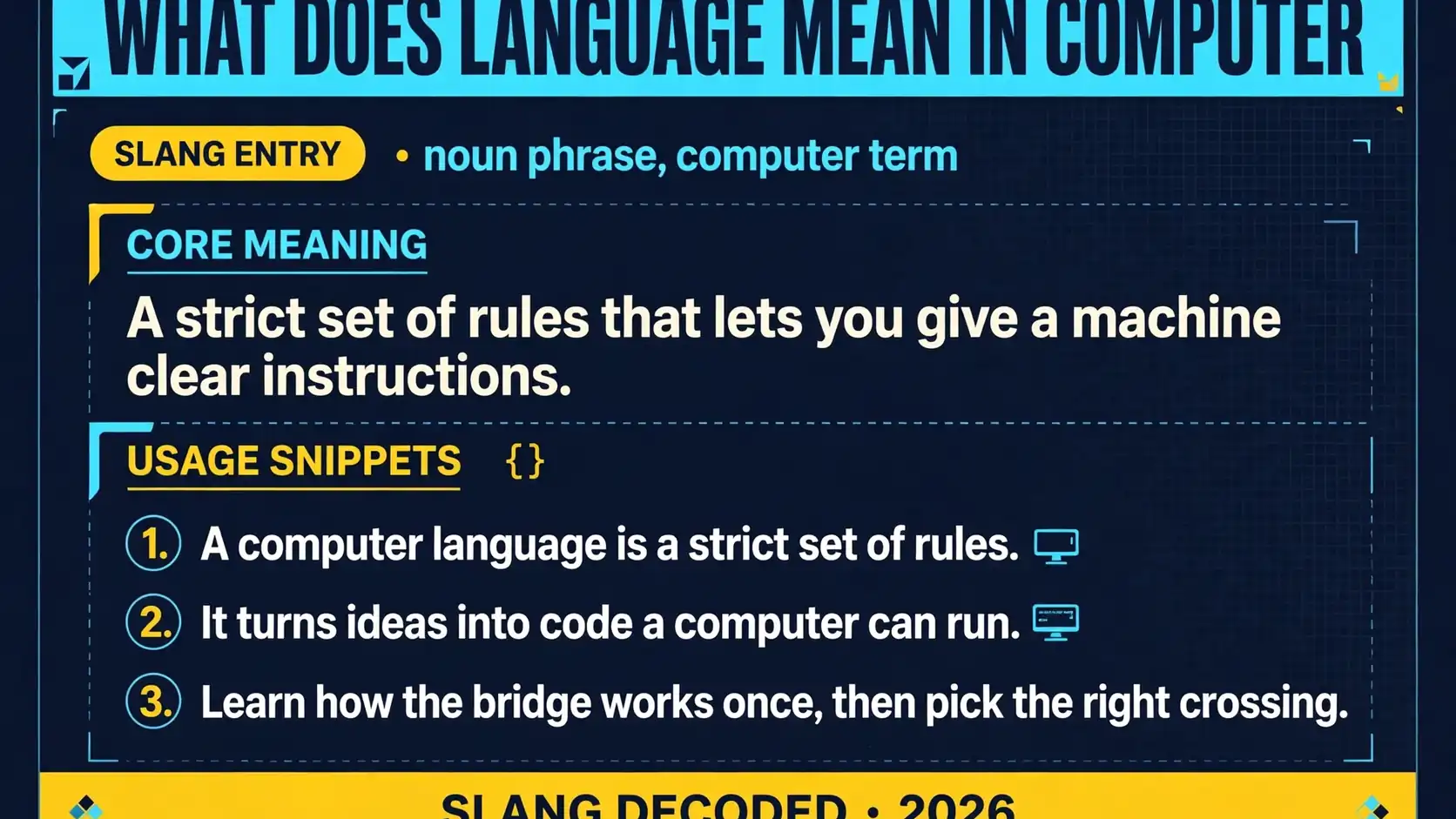
A computer language is a strict set of rules that lets you give a machine clear instructions it can actually follow. When you ask what does language mean in computer, you are really asking how people turn ideas into code that a computer can read, check, and run without guessing.
You do not need a computer science degree to get this. You just need to see the pieces, the types, and the path from words you type to actions on a screen.
Core Building Blocks Behind What Does Language Mean in Computer
Every computer language is built from a small set of pieces that work together. Learn these once and every other language starts to look familiar.
| Element | What It Does | Everyday Example |
|---|---|---|
| Alphabet and symbols | Sets allowed characters | Letters, digits, and signs like plus and equals |
| Words and keywords | Gives reserved words special meaning | Words that start a loop or mark a choice |
| Grammar and syntax | States exact word order | Putting a verb before an object in a sentence |
| Meaning and semantics | Explains what correct code makes happen | A command that adds two numbers |
| Values and data | Holds the facts your program works with | A name, a price, a score, or a true or false flag |
| Variables and names | Stores a value for reuse | A labeled box that holds your current total |
| Actions and functions | Groups steps into a reusable job | A recipe step that you repeat whenever you need it |
| Choices and branches | Lets a program pick a path | Picking a path based on a test |
| Repetition and loops | Repeats steps until a job is done | Checking items one by one |
Major Types of Computer Languages You Will Meet
Not every language does the same job. Some build apps, some style pages, some ask questions of data, and some talk to hardware.
| Type | Best For | Common Example |
|---|---|---|
| General purpose languages | Building apps and tools | Python, Java, JavaScript, and C Sharp |
| Web page languages | Showing content in a browser | HTML for structure and CSS for style |
| Query languages | Asking a database for records | SQL for tables of stored facts |
| Scripting languages | Automating small jobs quickly | Python, JavaScript, and Bash scripts |
| Systems languages | Fast programs close to hardware | C, C Plus Plus, and Rust |
| Functional languages | Code built from math style functions | Haskell, Elixir, and modern Scala |
| Logic languages | Solving problems from stated rules | Prolog for rule based reasoning |
| Assembly languages | Direct control of a single machine type | Assembly code for a specific processor |
| Visual languages | Drag and drop blocks | Scratch blocks for early learners |
How a Computer Reads Your Instructions Step by Step
Your code does not run by magic. It moves through a chain that checks it, translates it, and carries out each step.
- You write source code in a text editor.
- You save that code as a plain text file.
- A checker flags spelling and grammar mistakes.
- A compiler turns the program into machine code.
- An interpreter runs code line by line.
- A virtual machine runs portable code on many devices.
- The processor carries out tiny steps in order.
- Memory holds values while the program runs.
- Output appears as text, images, or sound.
Programming Languages Versus Markup and Query Languages
People often lump code files together, but the job matters more than the look. A programming language tells a machine what to do, a markup language describes content, and a query language asks for facts.
| Kind | Main Job | What It Cannot Do Alone |
|---|---|---|
| Programming language | Runs logic, choices, and loops | Nothing major, it is built for action |
| Markup language | Marks up structure and meaning | Run loops or make choices on its own |
| Style language | Controls color, layout, and spacing | Store data or run business logic |
| Query language | Finds and changes stored records | Build a full app interface by itself |
| Data language | Stores facts in a readable shape | Run code or control a screen |
| Configuration language | Sets options for a tool or app | Make decisions while a program runs |
| Template language | Fills blanks in a page or message | Replace a full programming language |
| Shell language | Gives short commands to a system | Easily build a large polished app |
| Hardware language | Describes circuits and chips | Run like a normal desktop program |
Key Terms in Plain English
If you can say these nine terms in your own words, you can follow almost any beginner guide.
| Term | Plain Meaning | Why It Matters |
|---|---|---|
| Syntax | The spelling and grammar rules of a language | One wrong symbol can stop a program |
| Semantics | What a correct program actually does | Good grammar alone does not mean good results |
| Compiler | A tool that translates a full program at once | It catches errors before you run anything |
| Interpreter | A tool that runs code step by step | It is great for testing ideas fast |
| Source code | The human readable text you write | This is what people read and fix |
| Machine code | The binary steps a processor runs | This is the form a machine understands |
| Bug | A mistake that makes a program act wrong | Finding bugs is normal in coding |
| Library | Ready made code you can borrow | It saves rebuilding common jobs |
| Framework | A ready made structure for an app | It guides how your project is shaped |
Where You See Computer Languages in Daily Life
You meet computer languages long before you open a code editor. They sit behind almost every tap and search in your day.
- Your phone app uses code to show screens and send messages.
- A website uses markup for text and scripts for buttons.
- A search box sends a query that turns into results.
- A game uses code for movement, scores, and saved progress.
- A bank app uses code to check balances and move money.
- A music app uses code to queue songs and stream audio.
- A map app uses code to find routes and estimate times.
- A smart speaker uses code to hear a wake word.
- A checkout page uses code to total a cart.
A Short History of Computer Languages
Computer languages did not start friendly. They started close to the machine and slowly moved closer to how people think.
| Era | Big Shift | What Changed for You |
|---|---|---|
| 1940s and 1950s | Machine code and early assembly | Programmers worked with raw steps |
| Late 1950s | First high level languages | Fortran and COBOL used words like English |
| 1960s and 1970s | Structured programming | C made code clearer |
| 1980s | Personal computers grow | C Plus Plus shaped objects |
| 1990s | The web changes everything | Java and JavaScript powered browsers |
| 2000s | Web apps boom | Python made building faster |
| 2010s | Phones and data take over | Swift and Kotlin fit new devices |
| 2020s | AI help and safer code rise | Rust stresses safety and scale |
| 2026 and beyond | Plain words meet smart tools | Helpers draft code people check |
Common Mix-Ups to Avoid
Most confusion comes from mixing up the language, the tool, and the result. Keep these apart and the rest gets easier.
| Mix-Up | Clear Truth | Simple Test |
|---|---|---|
| Language versus program | A language is the rule set, a program is one result | Ask if you mean the rules or the finished app |
| Code versus app | Code is text, an app is code running | Ask if it is sitting in a file or on a screen |
| Compiler versus interpreter | One translates first, one runs as it reads | Ask when the translation happens |
| HTML versus programming | HTML marks up content, it does not run logic | Ask if it can loop or choose on its own |
| Java versus JavaScript | Similar names, very different histories | Ask which platform and job you mean |
| Coding versus hacking | Coding builds things, hacking breaks into things | Ask if the goal is to build or to break in |
| Learning syntax versus learning to solve | Syntax is spelling, solving is the real skill | Ask if you can plan steps before you type |
| One language versus the best language | Fit depends on the job in front of you | Ask what you want to build first |
| AI output versus understanding | Generated code still needs a human check | Ask if you can explain each step yourself |
How to Pick Your First Language without Overthinking It
Start with the project you actually want to finish. If you want a website, build small pages you can show friends. If you want to automate tasks, pick a friendly scripting language and solve one real chore this week. Your first language is a doorway, not a life sentence, and its core ideas will travel with you.
Do not chase the trendiest name on your feed. A calm, well documented language with lots of beginner guides will teach you faster than a flashy one with thin help. While you are here, you might also look up language, crazy, and tomato in other slang guides, but those trips will not change how a computer language works.
What Happens Inside a Running Program
A running program loops through reading, deciding, and remembering. It reads input from you or a file, tests values against rules you wrote, and stores new values for later steps. Then it shows a result, saves a file, or waits for your next move.
Think of it like a very literal assistant. It never guesses what you meant, never fills in a missing step, and never skips a rule because it seems obvious. That literal streak is why clear code matters, and why small typos cause strange results.
Why Computers Need Languages at All
People think in stories, hints, and half finished ideas. Machines only run exact binary steps. A language bridges that gap with words and rules a translator can turn into those steps without losing your intent.
That bridge is also why new languages keep appearing. Each one trades speed, safety, or ease to fit a new device, a new kind of data, or a new team. You do not need to learn them all. Learn how the bridge works once, then pick the right crossing for each job.
Frequently Asked Questions
What does language mean in computer in simple words?
It means a strict rule set that lets you write instructions a machine can translate and run exactly as written.
Is HTML a programming language?
No, HTML marks up the structure of a page while a programming language runs logic, choices, and loops.
What is the difference between a compiler and an interpreter?
A compiler translates a whole program before it runs while an interpreter runs code step by step.
Do I need math skills to learn a computer language?
No, you need clear step by step thinking far more than advanced math for most beginner projects.
Which computer language should a beginner learn first?
Pick the one that fits the project you want to finish, such as Python for automation or JavaScript for the web.